Tassu
A downloadable tool for Windows and Linux
All-Purpose Task Tracker
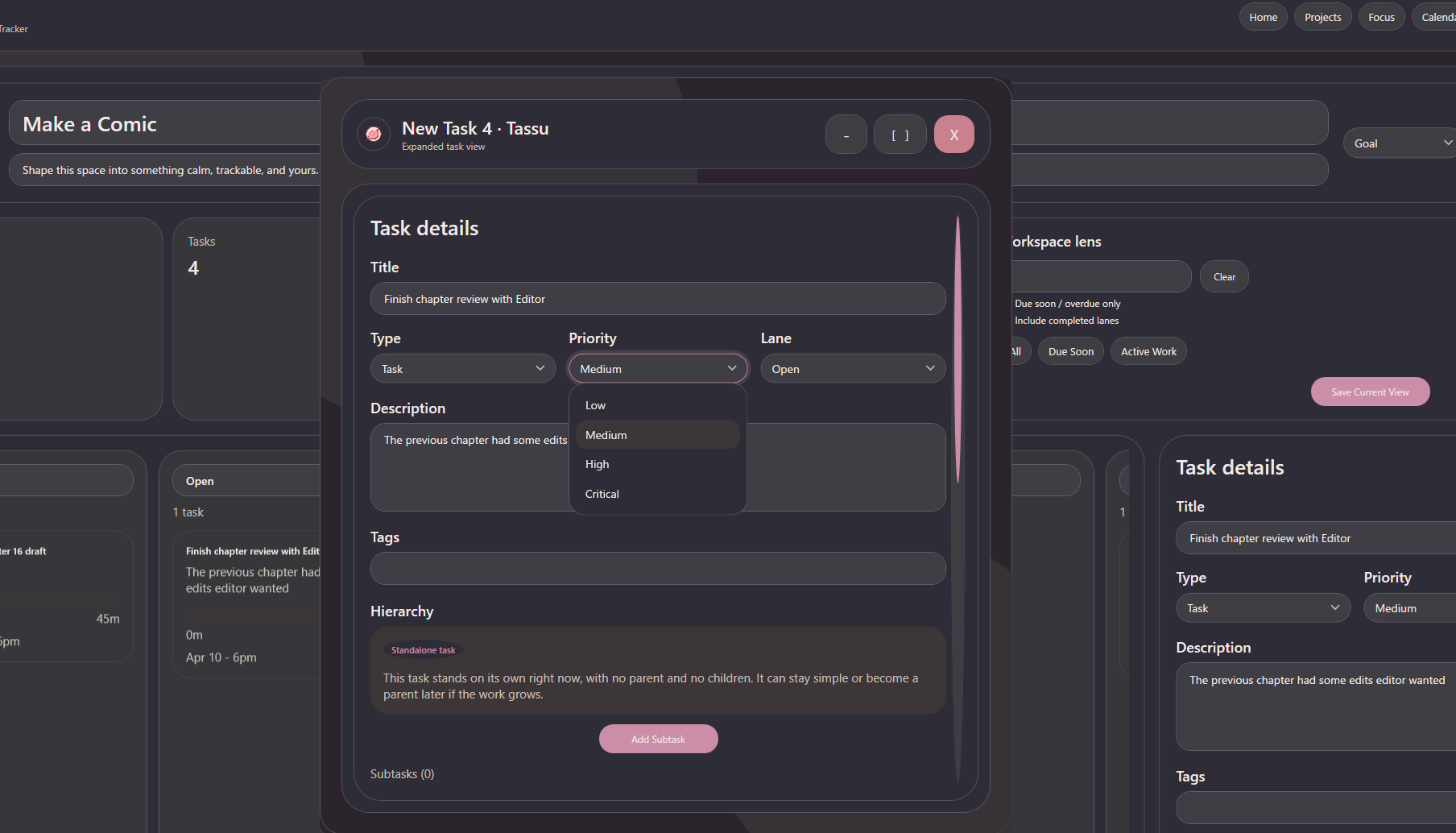
Tassu is a task tracker I made for my wife so she wouldn't need a subscription service or have her data collected. I also tried to keep it feeling very personal rather than corporate to make things more comfy.
I personally designed this for projects (personal or otherwise), school deadlines, health goals, life stuff, and long-term plans that do not fit neatly inside my basic to-do lists.
I figured this kind of tool would be useful to most people, so I made it and figured I should post it here.
The goal was to give low stress tracking for day to day life. This was mainly for my wife's sake haha.
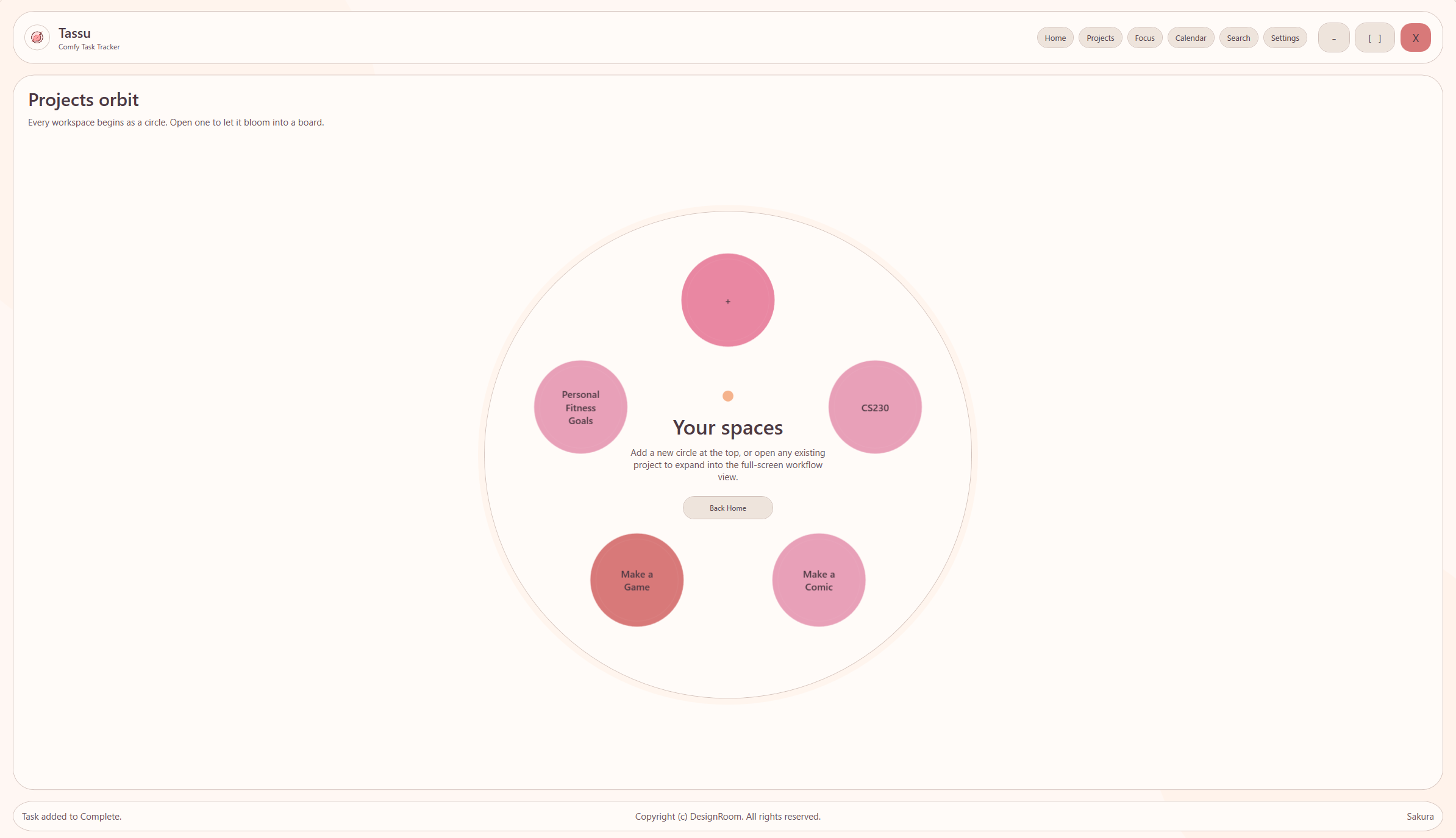
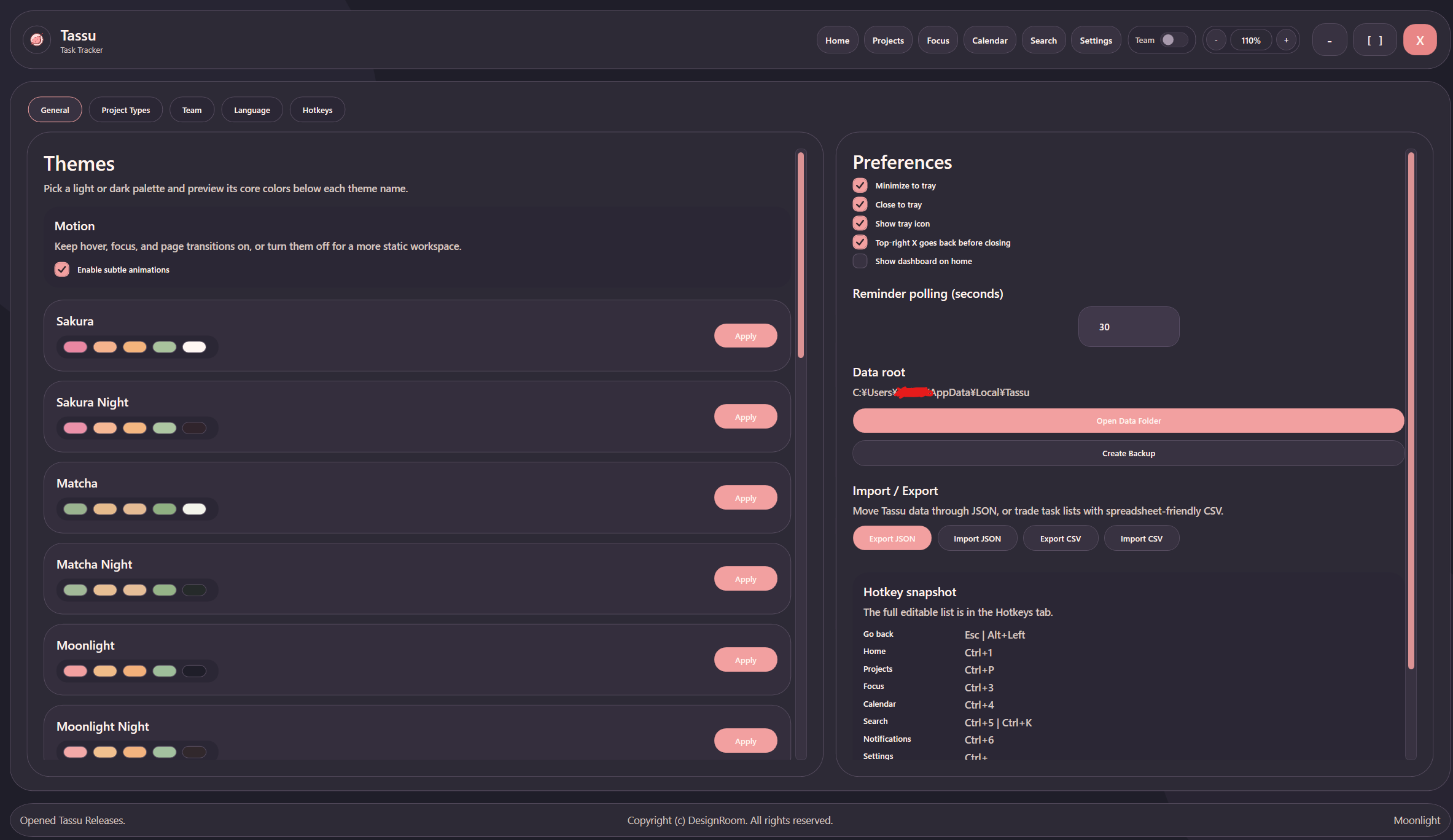
For this reason the design system is focused on comfort and low-stress themes. Circles, gentle color, soft animations, and a variety of mid-saturation dark and light retro-Japanese-inspired color palettes.
Tassu Includes the Following (In v1.2.5):
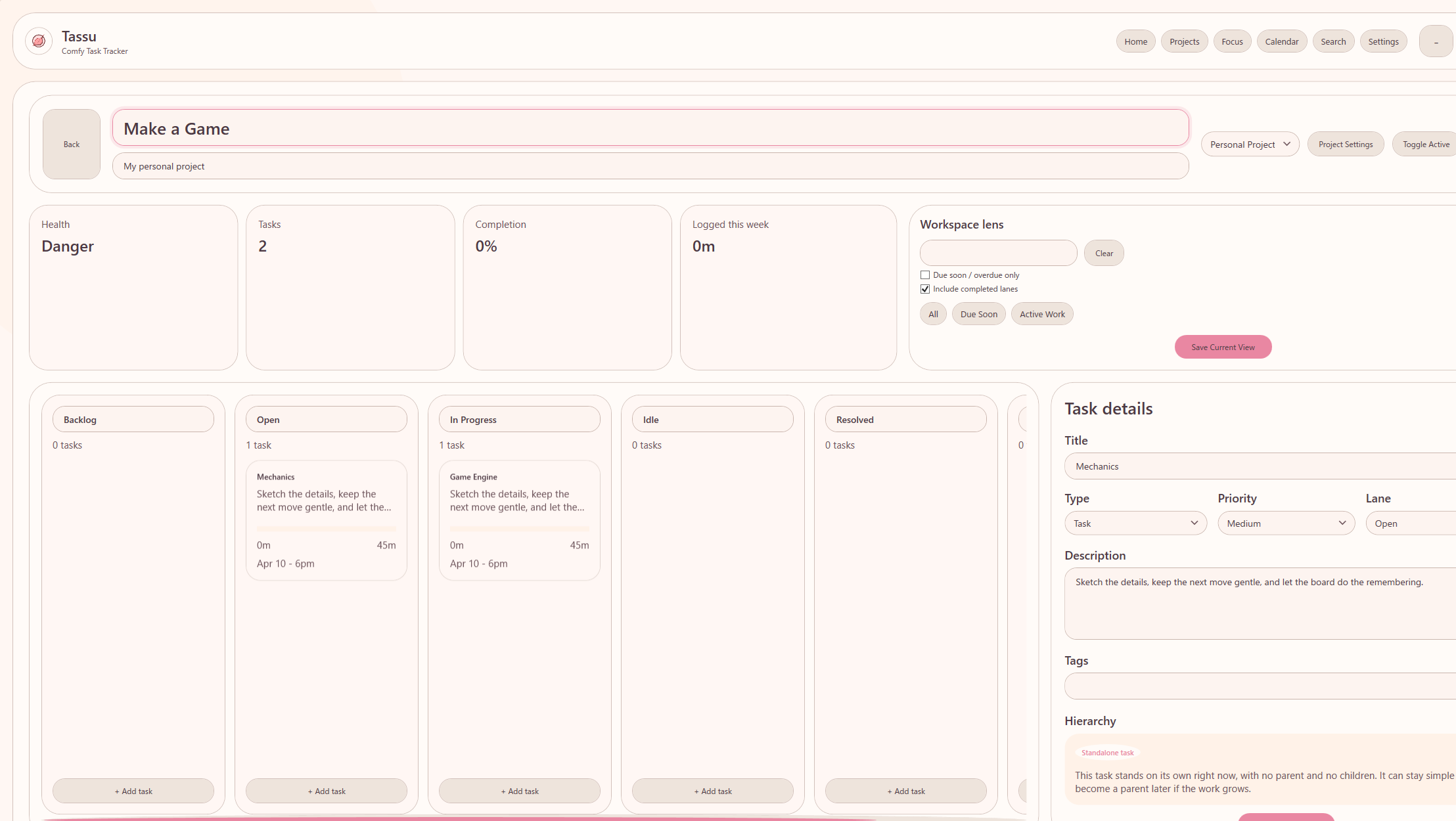
- projects with custom workflows
- tasks, subtasks, and epics
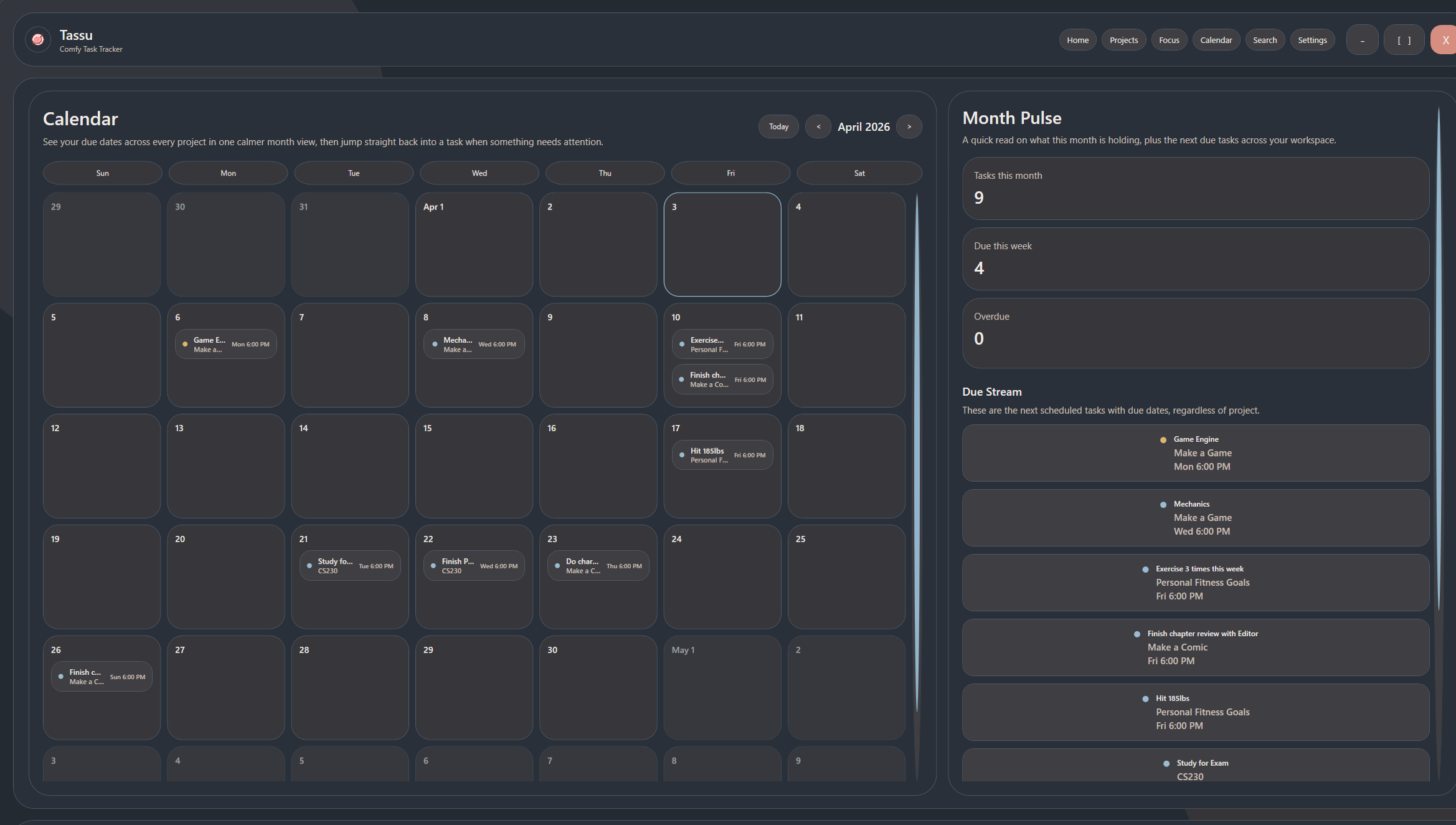
- due dates and reminders
- estimates, progress, and time logging
- tags, attachments, and links across projects
- calendar, focus, search, and board views
- an experimental team hosting mode with roles/users/etc. (with docker setup)
- the following languages:
- English | en-US
- 日本語 | JA
- Deutsch | de-DE
- Español (España) | es-ES
- Español (México) | es-MX
- Français | fr-FR
- 한국어 | ko-KR
- 简体中文 | zh-CN
- English | en-US
- NOTE: I had to use translation tools to provide these language options. Feedback is always welcome.
Hopefully the functionality will expand over time, but for the time being this is what is available.
Experimental Team Mode
There's a docker backend or a portable exe to host on the local network and let your team members connect through the "Team" tab of settings. Been using with my own teams and has worked. Experimental though, so expect some small bugs here and there.
Managing Daily Life
Tassu works especially in cases where responsibilities overlap.
Many features are linkable, so that tasks, projects, epics, etc. can be linked with each other cleanly.
The goal is to keep everything connected, but still readable.
Better for Planners
Tassu keeps the surface simple, but allows for many optional configurations to increase depth on your task tracking. I don't like when tools only allow for extreme simplicity or extreme complication, so I tried to balance it best I could for my own sanity lol.
Windows 10/11
Tassu is built as a Windows desktop application, and has been tested in Windows 10. If it does not work in Windows 11, PLEASE let me know. I want to fix that. Any feedback is always appreciated in community threads!
Thanks
I wanted to thank anyone who tries this out, gives feedback, donates, or even just participates to create a community around this tool in any way. I made it to make people's lives easier. Hopefully it helps out somehow. :)
Download
Click download now to get access to the following files:
Development log
- Tassu Release v1.0.683 days ago
- Thanks for 100 Downloads!86 days ago
- Tassu Release v1.2.5 - Team and Language Update88 days ago
- Tassu Release v1.0.4Apr 06, 2026
- Tassu Release v1.0.3Apr 06, 2026
- Tassu Release v1.0.1Apr 04, 2026